 Analysis by Gamescozy
The first thing I notice about Toca Boca World is how much of its appeal comes from the invitation to make up a story, rather than follow one. It is an educational game from Toca Boca, but it feels less like a lesson with a correct answer and more like a colorful playroom where characters, places, and small surprises can become whatever a child imagines. I’d recommend it to families looking for open-ended creative play, especially when a child enjoys arranging scenes and inventing dialogue. It is less suited to someone who wants clear goals, a fast challenge, or a game that teaches through structured exercises.
A welcoming first impression, with room to wander
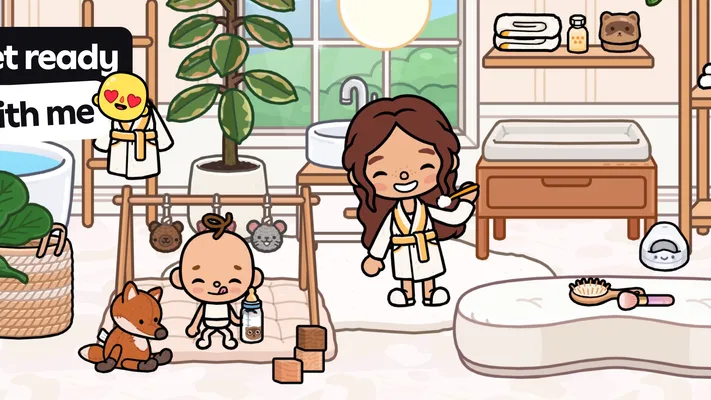
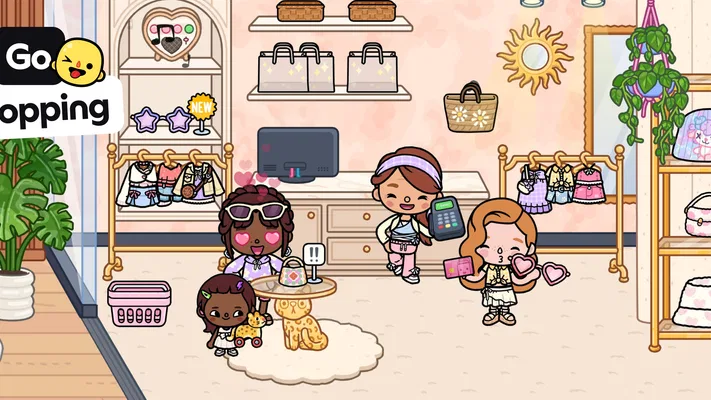
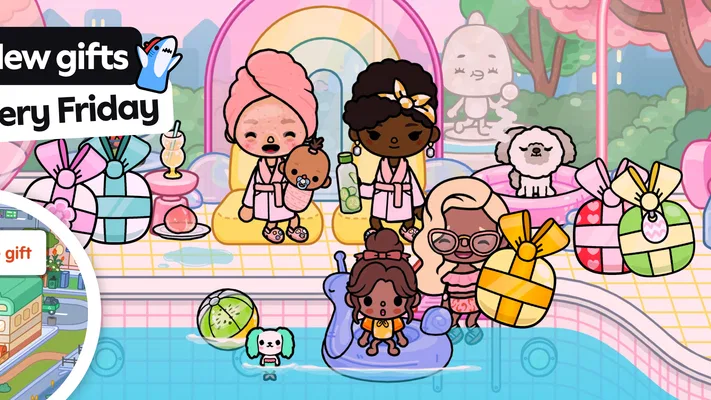
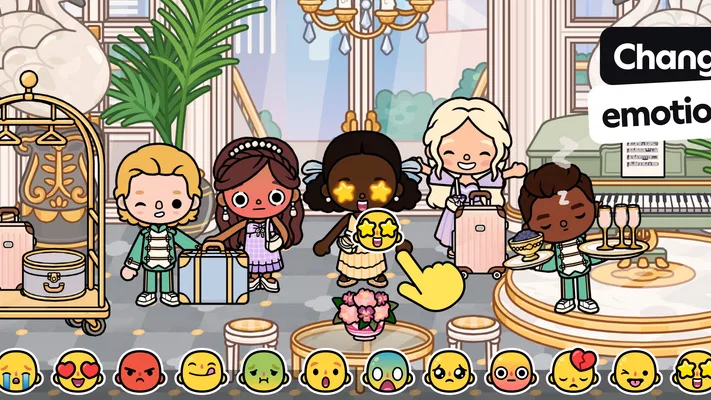
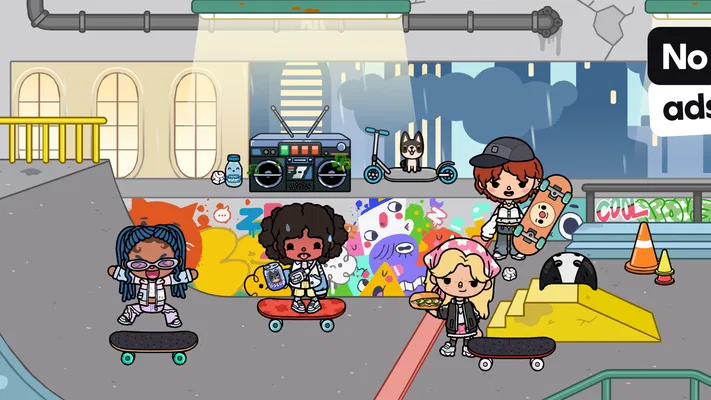
The game’s visual style is friendly and readable: bright settings, expressive characters, and objects that are easy to recognize at a glance. That clarity matters in a game built around free exploration. A child can focus on what to do with a character or prop instead of deciphering a busy screen. The overall effect is playful without demanding that the player master complicated controls before getting started.
There is no need to treat a session like a campaign. I can imagine a child opening the game for a few minutes, placing characters in a scene, and then leaving with a story still in progress. That loose structure is a strength for imaginative play, but it also means adults should not expect the game to keep prompting the player with objectives. Some children love choosing their own direction; others may ask, “What do I do now?” A simple suggestion—such as making a character visit a new place—can help them get going without taking over.
The game is free to download, and its age rating is Everyone. Its scale is considerable: it has passed 100 million installs, with an average rating of 4.4 from around 6.9 million ratings. Those figures suggest broad appeal, but they do not tell me whether a particular child will enjoy an unstructured toy-like experience. The useful test is whether they already like making up stories with dolls, figures, or drawings.
Places and characters invite storytelling
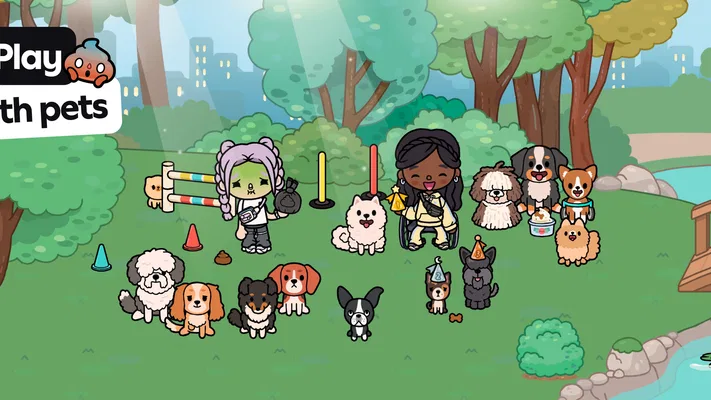
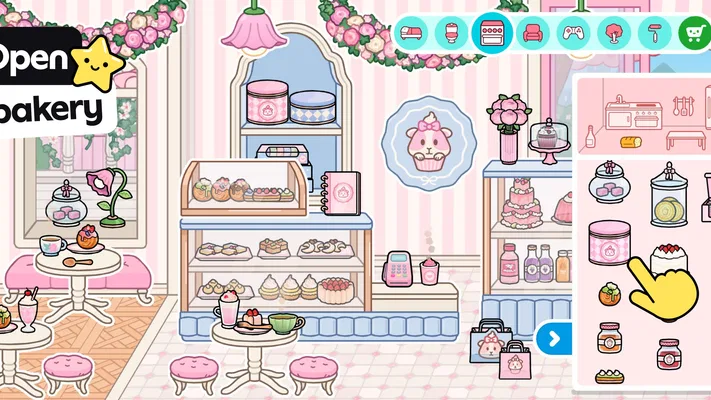
The setting works less like a single plot-driven world and more like a collection of places where a player can stage scenes. That changes how I read the game’s art direction: the visuals are not merely decoration around a task list. They help establish a mood and give children cues for what kinds of stories might fit a setting. A familiar-looking room can become a home scene; a different location can suggest a visit, a meeting, or an entirely invented event.
A practical tip is to let the child choose one scene and one simple premise before adding more. For example, during a quiet stretch at home, they might decide that a character is preparing for a visit, then move characters and objects around to show what happens. This keeps the play manageable and encourages a beginning, a middle, and an ending without turning the game into a worksheet. If the child changes the story halfway through, that is not a failure of the activity; it is part of the point.
The same freedom can make the experience feel scattered if a player jumps between ideas constantly. I find it helpful to treat each play session as a small episode rather than trying to explore everything at once. A parent can ask what the characters are doing or invite the child to explain a choice. That creates conversation around the play without assuming the game itself will deliver a formal learning sequence.
Sound and pacing keep the play gentle
The game’s general mood is light and approachable, and that gentle presentation fits its open-ended pace. Rather than pushing the player through a chain of timed tasks, it leaves space to pause, look around, and rearrange a scene. That is valuable for children who enjoy lingering over details or narrating aloud as they play. It also makes the game easier to pick up in short stretches than an experience built around a long run of levels.
I would not choose it for a child who wants constant action or a strong sense of progression. The relaxed rhythm can feel like a lack of direction to players who expect points, countdowns, or a clear next challenge. In that case, a puzzle game with explicit goals may be a better fit. Here, the satisfaction comes from making a scene feel like the child’s own, not from being told that a task has been completed.
For a useful everyday routine, I’d keep the game as an option for a calm transition—after school, while waiting at home, or during a short break—rather than expecting it to occupy a whole afternoon on its own. A child can start a story, return to it later, or simply experiment with a scene. The adult role is modest: help set a starting idea if needed, then let the child lead.
Creative freedom is the main mechanic
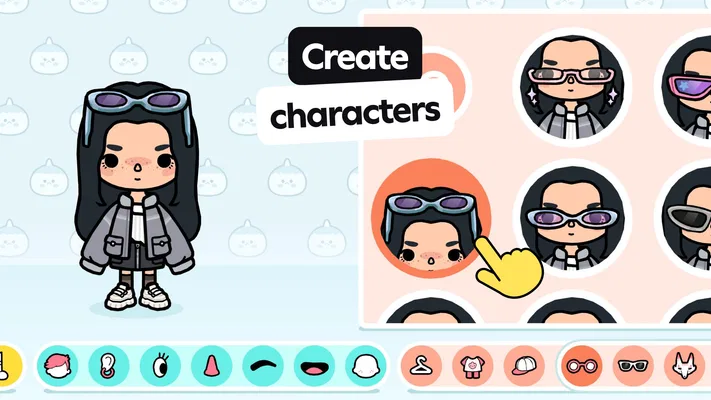
Because the experience centers on creating and exploring, its mechanics are best judged by how well they support improvisation. The key appeal is the ability to shape a personal story instead of solving a fixed sequence of problems. That can encourage narrative thinking: children decide who is present, what is happening, and how one moment leads to another. The game is educational in the broad sense of supporting creative expression, not because it behaves like a conventional classroom app.
One non-obvious way to get more from it is to use the same scene for different stories on different days. A child might first turn it into an ordinary visit, then later invent a surprising disagreement or celebration using the same characters and setting. Reusing a familiar place can prompt richer storytelling than constantly looking for something new. It also makes it easier for a parent to notice how the child’s ideas change over time without imposing a score or performance standard.
Another useful approach is to give the child a gentle constraint: “Can you make a story with only these characters?” or “What happens before everyone leaves?” A small boundary can make open play easier to enter, especially for a child who feels overwhelmed by too many choices. The trade-off is important: too much adult direction can flatten the imaginative freedom that makes the game distinctive, so I’d offer a prompt and then step back.
There is a cost consideration despite the free entry. The game includes in-app purchases, with items ranging from $0.49 to $199.99. That wide range makes it worth discussing purchases with a child before handing over a device, and checking the app store settings that govern spending. I would not assume that every appealing element is included simply because the game can be downloaded for free. Families who want a fully predictable, no-purchase experience may prefer an alternative with a single upfront cost or no in-app purchases.
For parents wondering whether it is a better fit than a standard educational game, the answer depends on what they want. If the priority is practice with a defined skill and measurable right-or-wrong progress, a focused learning app is likely the clearer choice. If the child learns by inventing, arranging, and explaining stories, this is a more natural match. It also differs from many arcade-style children’s games: the reward is not primarily beating a level but deciding what the world means in that moment.
Practical fit, version, and who should pass
The current version is 1.141, and the listed minimum operating system is 7.0. Before installing, I’d check that the device meets that requirement and that there is enough room for an app a child may want to revisit. The game has around 219,000 written reviews, but I would still judge it by the child’s play style rather than popularity alone. A child who happily spends time building pretend scenarios is much more likely to connect with it than one who needs frequent instructions.
I would also think about how the device will be shared. Open-ended play can be a good occasion for a child to tell an adult what is happening, but it can also become solitary screen time if everyone is busy. A short shared session—asking the child to narrate a scene or explain why a character is there—turns the game into a conversation starter. If the goal is independent practice with a specific academic topic, though, this is not the tool I would reach for first.
The clearest limitation is not a flaw in the presentation so much as a mismatch for some players: there may be no obvious finish line. Children who thrive on collecting achievements or completing increasingly difficult challenges might lose interest. Likewise, adults who want a quiet app with a tightly defined educational curriculum should look elsewhere. Toca Boca World is strongest when the family values imaginative play for its own sake and is comfortable helping a child shape a session when needed.
My atmosphere verdict
What holds the experience together is the balance between inviting art, approachable settings, and an unhurried pace. The world gives children enough visual cues to start imagining, but it does not dictate a single story. That makes the game feel more like a set of creative materials than a lesson plan. I find that a meaningful distinction: it can support storytelling and choice, but its value depends on the child actively supplying ideas.
I’d recommend it to a child who likes pretend play and to a parent willing to treat a screen session as an opening for creativity rather than a guaranteed educational outcome. I would skip it for a player who wants constant action, clear objectives, or a purchase-free experience with no extra spending decisions to manage. As an educational game, its best lesson is in making and reshaping a story. When that is what a child wants to do, the gentle atmosphere and freedom to invent make it an appealing place to play.